
Student Storage Services
Complete Guides
Company & News
Shipping to College
College Storage for Parents
College Move-In & Move-Out
College Packing List
Dorm Storage & Organization
College Summer Storage
Dorm Room Essentials
Sports
Personal
Lifestyle
College Life
Health and Wellness
Entreprenership
Food
Business
Tech Essentials Every College Student Needs
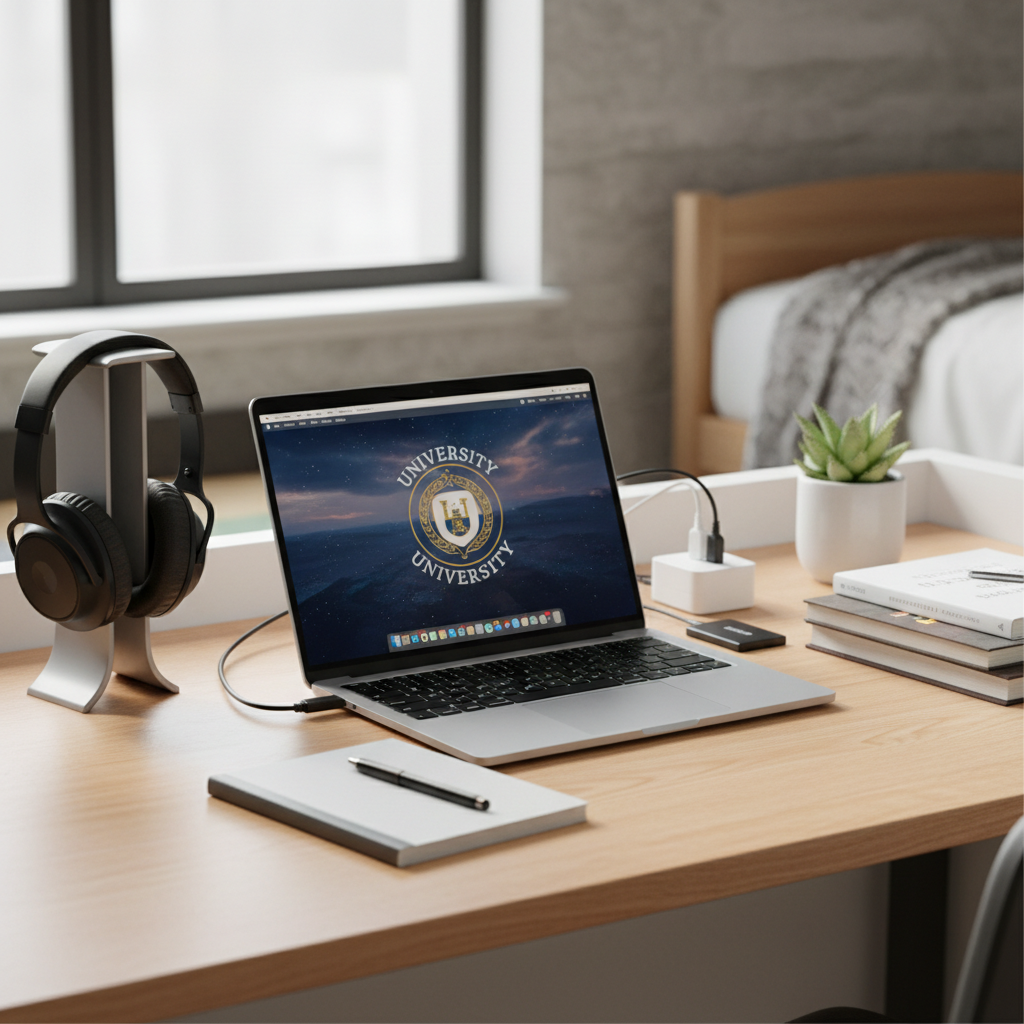
Bottom line: You need a reliable laptop, noise-canceling headphones, backup storage, and a few charging essentials. Everything else can wait until you know how you actually study and what your classes require.
Your laptop is packed, but you're staring at conflicting advice about printers, tablets, and smart speakers. College tech lists range from bare-bones basics to $2,000 setups that would make a programmer jealous.
The reality is simpler: most students overestimate what they need freshman year. Focus on tools that directly support studying, attending virtual classes, and backing up your work. You can always add specialized gear later once you understand your actual workflow.
Start by checking what your school provides. Many universities offer free software licenses, discounted hardware through campus stores, or computer labs that might eliminate certain purchases entirely. Some schools provide Adobe Creative Suite, MATLAB, or Microsoft Office at no cost.
The Essential Four: What You Actually Cannot Skip
These four categories handle nearly every tech task you'll face as a student.
Laptop: Your Mobile Office
Choose based on your major and portability needs. Liberal arts students can get by with basic models, while engineering and computer science majors need more processing power.
Budget-conscious: Refurbished ThinkPads offer excellent keyboards and durability starting around $400. Look for models with at least 8GB RAM and SSD storage.
Mac ecosystem users: MacBook Air M2 ($899 new, often discounted for students) provides excellent battery life and handles most college workloads efficiently.
Windows preference: Dell XPS 13 or Lenovo ThinkPad E15 balance performance with reasonable pricing ($600-750).
Avoid expensive gaming laptops unless your major specifically requires high-end graphics processing. They're heavy, have poor battery life, and overkill for most coursework.
Headphones: Study and Sleep Survival
You need noise isolation the first time your roommate takes a video call during your study session. Get both over-ear headphones for deep focus and wireless earbuds for commuting between classes.
Over-ear options: Sony WH-CH720N ($149) or Audio-Technica ATH-M40x ($99) provide solid noise canceling without premium pricing.
Wireless earbuds: Samsung Galaxy Buds2 ($100) or Jabra Elite 75t ($129) stay secure during campus walking and offer decent battery life.
Backup Storage: Protect Your Work
Hard drive failures happen at the worst possible moments. Set up automatic backups before your first assignment deadline.
Physical backup: Seagate Backup Plus Slim 1TB ($45) fits in any backpack and works with both Mac and PC.
Cloud storage: Google Drive (free 15GB), OneDrive, or iCloud handle most documents. Upgrade to paid plans only if you're storing large video or design files.
Power and Charging Setup
Dorm outlets are limited and often inconveniently placed. A surge protector with USB ports ($25-40) protects your devices and eliminates outlet competition with your roommate.
Buy 2-3 phone charging cables immediately. One will break or disappear within the first month. Keep extras in your backpack and at your desk.
Useful Additions That Solve Real Problems
Add these items only after you've lived in your dorm for a few weeks and identified specific pain points.
Tablet or E-Reader (Maybe)
iPad (9th generation, $249): Worthwhile if you're taking digital notes, reading PDFs regularly, or your professors assign interactive textbooks. The Apple Pencil adds $129 but transforms note-taking for visual learners.
Kindle Paperwhite ($139): Better choice if you're reading novels or text-heavy assignments. The e-ink display reduces eye strain during long reading sessions.
Skip tablets if your classes still use physical textbooks or if you prefer handwritten notes.
Portable Power Bank
Essential for students spending full days in libraries or labs. Anker PowerCore 10000 ($25) charges most phones twice and fits in a jacket pocket.
Look for at least 10,000mAh capacity with fast-charging support for your phone model.
Desk Lighting
Dorm overhead lighting is usually harsh or insufficient. A desk lamp with adjustable brightness helps during late-night study sessions without disturbing your roommate.
TaoTronics LED Desk Lamp ($35) offers multiple brightness levels and includes USB charging ports.
Small Electronics That Actually Help
- HDMI cable ($12): Required for group project presentations
- External webcam ($45): Much better video quality than built-in laptop cameras for virtual office hours
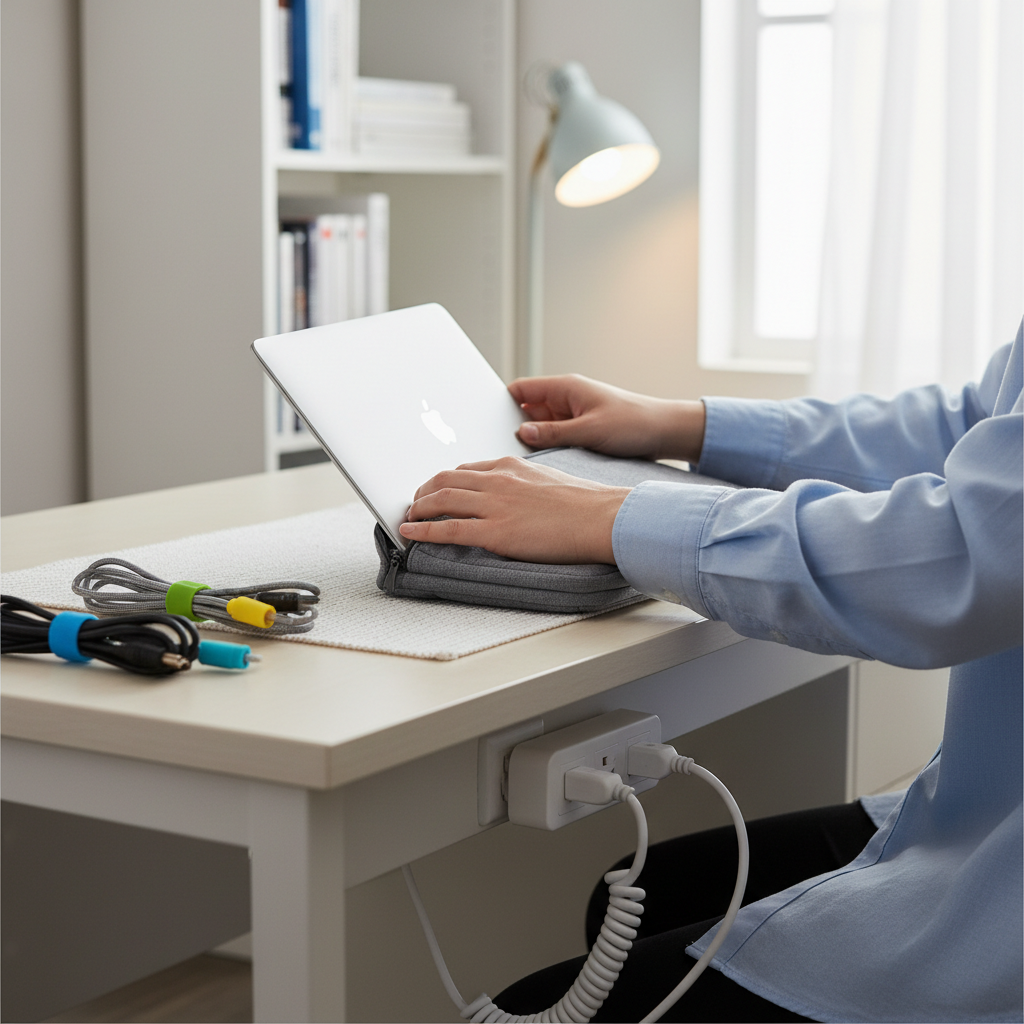
- Cable organizer ($15): Prevents the daily frustration of untangling headphone cords
Protecting Your Investment
College environments are tough on electronics. Hundreds of people with identical devices, constant packing and unpacking, and the occasional spilled coffee create multiple failure points.
Laptop protection: A padded sleeve like the tomtoc 360 Protective case ($29) prevents screen damage when you're shoving your laptop into an overstuffed backpack between classes.
Insurance considerations: Check whether your family's homeowners or renters insurance covers dorm theft and accidental damage. If not, college-specific coverage through companies like NSSI starts around $25 annually for basic protection.
Device identification: Use permanent markers or stickers to distinguish your black laptop charger from the dozen identical ones in study groups.
What You Can Skip (At Least Initially)
These items sound essential but often become expensive storage problems.
Printers
Most campuses provide free printing in libraries and academic buildings with better quality than budget home printers. Ink replacement costs often exceed the printer's original price within a semester.
Only consider a printer if you're frequently printing photos or your major requires regular hard-copy submissions.
Gaming and Entertainment Upgrades
Mechanical keyboards, large monitors, and gaming peripherals rarely fit on standard dorm desks. Focus on academic success first semester, then upgrade based on actual usage patterns.
If you need a larger display occasionally, many apps let you use a tablet as a secondary monitor for free.
Smart Speakers
Voice assistants have limited utility in small dorm rooms where you'll use headphones for most audio to avoid disturbing neighbors. Save the money for more practical purchases.
Storage and Moving Logistics
Consider what happens to your tech during summer break and semester transitions. Shipping electronics home often costs more than expected, especially for students in cities like Boston or New York.
When choosing between similar products, prioritize items that pack efficiently. That 27-inch monitor might be a great deal, but you'll regret the size when moving between dorms or shipping items to campus.
Plan your tech purchases as part of your overall college packing strategy. Items that serve multiple purposes and travel well make semester transitions much easier.
Build your setup gradually based on actual needs rather than theoretical requirements. Start with the essential four categories, then add specific tools as you discover gaps in your workflow. Your academic success depends more on consistent use of reliable basics than on having the latest gadgets.
Related reading
- The College Packing List That Actually Makes Sense
- Dorm Room Essentials Every College Student Actually Needs
- Shipping to College and No Car Solutions: The Complete Guide to Getting Your Stuff to Campus
Storage Scholars reports a 2026 damage claim rate of 1.012% versus a 17.7% industry average, and offers complimentary basic protection plus $1,000 coverage and $2,500 coverage upgrades.
Storage Scholars' service holds student belongings in a secure, climate-controlled facility with digital inventory tracking, priced $14 to $40 per item per month depending on size, with a 4-month minimum term.
Frequently Asked Questions
Do college students really need a printer in their dorm room?
Most students don't need a personal printer. Campus libraries and computer labs offer free or cheap printing that's usually more convenient than maintaining your own printer, ink, and paper. If your major requires heavy printing, consider it later. Start without one and see if you actually miss it after the first month.
What happens to electronics stored over summer break?
Electronics stored in non-climate-controlled spaces risk serious damage from heat and humidity. High temperatures can harm batteries and screens, while moisture corrodes internal components. Always choose climate-controlled storage for laptops, external drives, and other tech. Back up all data before storing anything, and power devices down completely rather than leaving them in sleep mode.
How can I protect expensive tech from theft in my dorm?
Enable tracking software like Find My Device on all electronics and keep photos of serial numbers. Use a laptop lock when studying in public spaces. Get a protective case for transport and never leave devices unattended. Check if your parents' homeowners insurance covers dorm belongings, or get student renter's insurance for extra protection.
Should I buy a tablet in addition to my laptop for college?
A tablet is nice to have but not essential. It makes sense if you're buying digital textbooks or reading lots of PDFs, since it's easier on your eyes and more portable than a laptop. Wait until after your first semester to see if your coursework would actually benefit from one before spending the money.
Set a reminder to sign up for storage!
We’ll remind you to sign up when it gets closer to your winter and summer break!
This article is part of our Dorm Room Essentials guide
You Might Also Like...

Want to hear from us about exclusive discounts and promotions?
Drop your email and we'll keep you up to date!
